Boot & Login Theming
Everything you see before your desktop session starts shares one color palette, and is refreshed the same way your desktop config is.
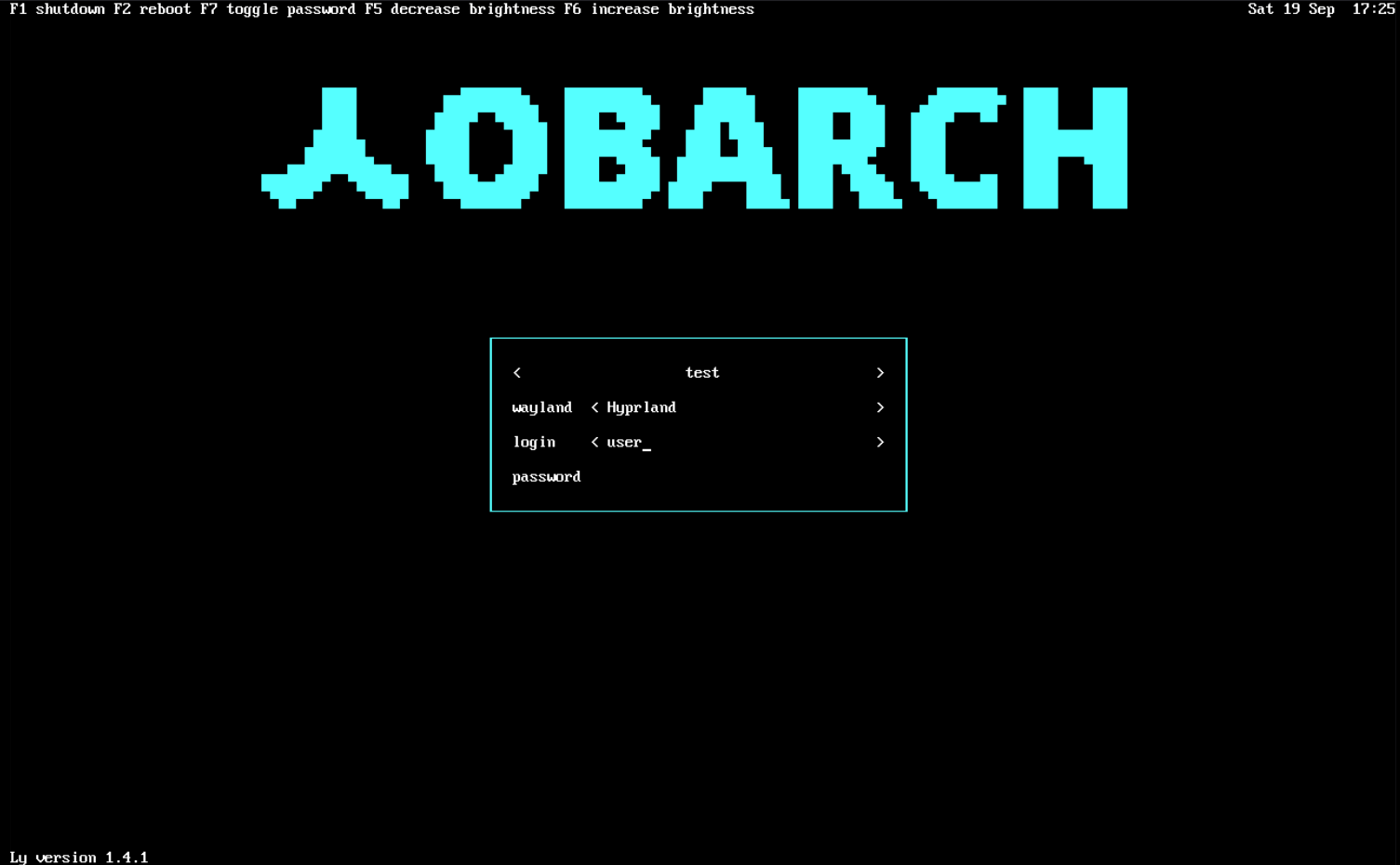
Three things get themed outside the desktop session itself. They use a fixed OneDark-based palette and do not follow the color scheme you pick in Theming, since none of them can be recolored live. Each is set up once during install and re-applied automatically by Update System whenever sobarch-skel/ sobarch-scripts refreshes, so branding changes ship the same way config changes do:
- Plymouth, the boot splash. archinstall's own install already sets up the Plymouth infrastructure (package, kernel parameters, initramfs hook) with a placeholder stock theme; sobarch swaps that placeholder for its own theme, showing the sobarch mark while the system boots.
- Limine, the boot menu. Themed with the same accent colors used everywhere else in the session, branded interface text, and a small, mostly-transparent logo mark centered behind the menu. Only additive settings are touched, nothing that would conflict with the entries
archinstallitself generates. - ly, the login screen. Shows a "SOBARCH" wordmark in the same accent color in place of ly's stock look, rendered as a single static frame since ly has no way to display custom static content other than its own movie-animation format.

None of this needs any action from you. If you're customizing your own boot menu or login screen entries by hand, look for the SOBARCH THEME START/SOBARCH THEME END markers in limine.conf (/boot/EFI/BOOT/limine.conf on a UEFI install, /boot/limine/limine.conf on legacy BIOS), and for /etc/ly/config.ini; both are rewritten wholesale on every refresh, so hand edits inside the marked block (or to config.ini at all) don't survive one.