Menu System
Bare Super opens one picker rather than a full application list, with real icons resolved through fuzzel's own icon protocol.
Pressing Super on its own opens a fuzzel picker. Every menu works the same way: type to filter, Enter to pick, and Escape to go back one level (or close the menu from the top level). Rows show live state on the right, such as your volume, network, theme, or which device is connected, and menus with actions you'll repeat (volume, theme, wallpaper, Bluetooth devices) stay open afterward with the cursor where you left it.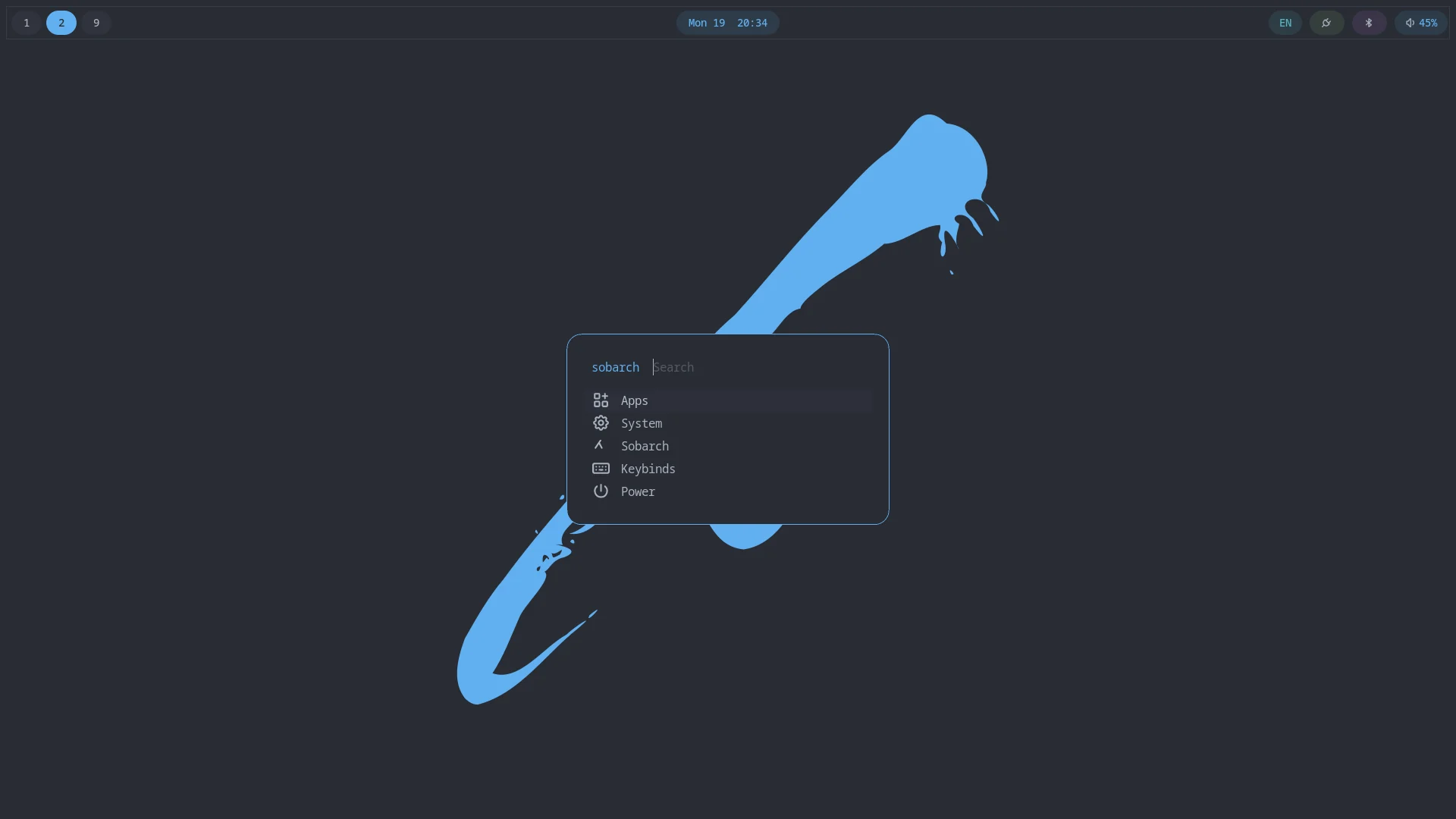
| Entry | What it opens |
|---|---|
| Apps | The regular application list, one level in. |
| System | Audio, network, Bluetooth, the power profile switcher (laptops only), VPN (when WireGuard tools are installed), remote access (when Sunshine is installed), displays, screen recording, and firmware, each row showing its current state (volume, connection, Bluetooth status, firmware status). See below. |
| Sobarch | Update System / Review Conflicts (shows how many conflicts are pending; see Updating Your System), Install Apps (every package from the curated software profiles, not arbitrary packages: available ones first with their profile and an AUR tag where it applies, then installed ones marked installed; see Software Profiles), Theme (see Theming), Wallpaper (see Wallpaper), Default Apps (set an app for a whole group such as Images or Video, or for one file type; see Appearance and Apps), Refresh Rescue ISO (see Rescue Media; only listed when rescue media was set up at install), and Documentation, which opens this site. |
| Keybinds | A searchable, read-only cheat sheet of every bind; see Keybindings. |
| Power | Lock, Log Out, Suspend, Restart, Shut Down; see the table below. |
Most of the Sobarch submenu's actions also exist as a sobarch command for terminals and SSH; see The sobarch Command.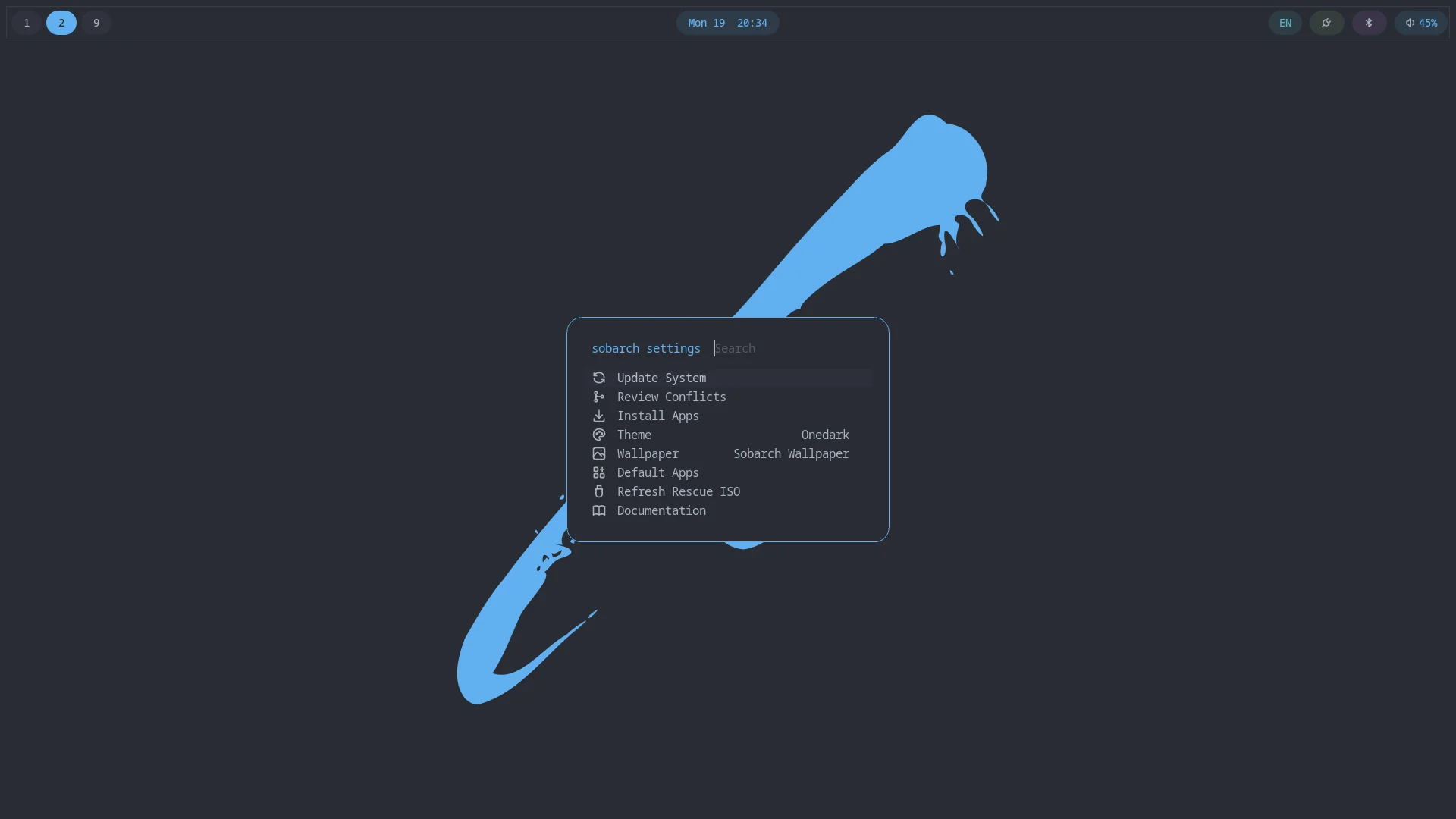
System submenus
Each of these also has its own shortcut, and opening one from its shortcut means Escape closes it rather than going back to System.
| Menu | Entries |
|---|---|
Audio (Super+A) | A volume meter at the top; volume up/down 5%, mute, mute microphone, the output and input device (pick to switch), and, while something is playing, per-app volume with each app's own volume and mute. |
Network (Super+N) | Your connection at the top. Wi-Fi networks (scan, with signal strength, then pick; you're asked for a password only for a new network, and a wrong one isn't saved), turn Wi-Fi on or off, disconnect, saved networks (Enter connects or disconnects, Alt+1 forgets), copy your IP address (shown in the row), and share the current Wi-Fi as a QR code. Wi-Fi entries only appear on machines with Wi-Fi. |
Bluetooth (Super+Shift+B) | Power on or off, scan for new devices (pick one to pair, trust, and connect), and every paired device listed directly with its state and battery level: Enter connects or disconnects it, Alt+1 removes it. Devices that need a passkey typed or confirmed (some keyboards and phones) can't pair here yet; use bluetoothctl in a terminal for those. |
| Power Profile (laptops only; also a click on the battery module in waybar) | Switch between Performance, Balanced, and Power Saver. The active profile is marked and the menu stays open. It is applied by TLP through tlpctl; without TLP the entry shows a notification explaining what to install. |
| VPN (when WireGuard tools are installed) | Import a WireGuard config and switch tunnels on or off, or host the tunnel on this machine: set up the server, add devices (shown as a QR code or saved as a file) and remove them. See Remote Access. |
| Remote Access (only when Sunshine is installed) | Start or stop the Sunshine streaming host, choose whether it streams its own 1080p virtual monitor, or open its web UI. See Remote Access. |
| Displays | Resolution, refresh rate, scale, rotation, position, mirroring and enabling or disabling each monitor. See Displays. |
| Screen Recording | Record a region or the focused screen, or stop the recording in progress. See Screen Recording. |
Firmware (Super+Shift+F) | Update status at the top, check for updates, install updates (when there are any), and every device with its firmware version; pick a device for its details. All through fwupdmgr. |
Power
Log Out, Suspend, Restart, and Shut Down ask for confirmation first; Lock does not. Confirmations list Cancel first, so a stray Enter never confirms anything.
| Action | Command |
|---|---|
| Lock | hyprlock |
| Log Out | hyprctl dispatch 'hl.dsp.exit()' |
| Suspend | systemctl suspend (the screen locks before it sleeps, see Session) |
| Restart | systemctl reboot |
| Shut Down | systemctl poweroff |
Each row's icon is a real icon, not a font glyph: fuzzel's dmenu mode resolves icon names/paths the same way Rofi does, falling back to a generic icon for anything the configured icon theme doesn't cover.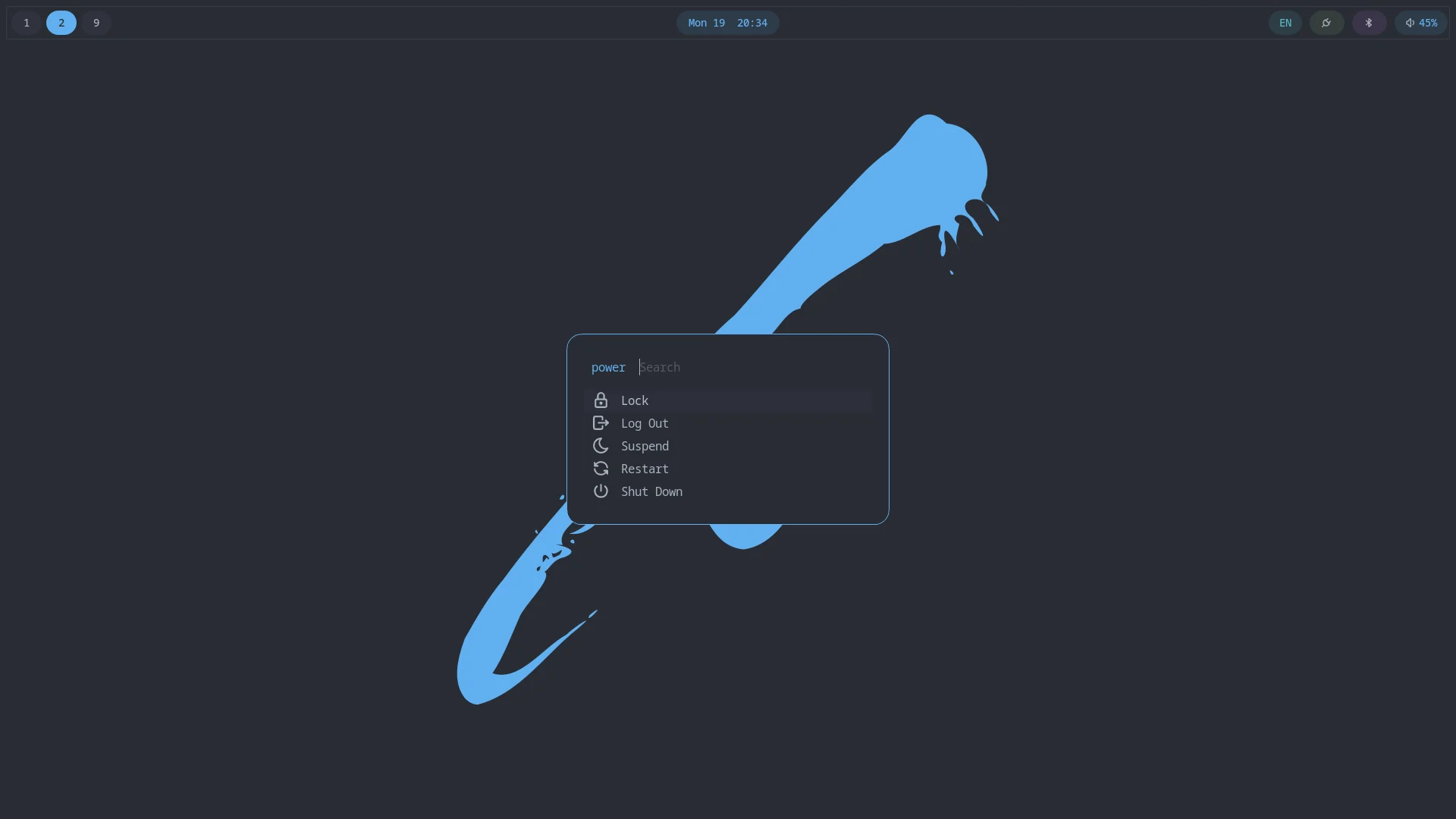
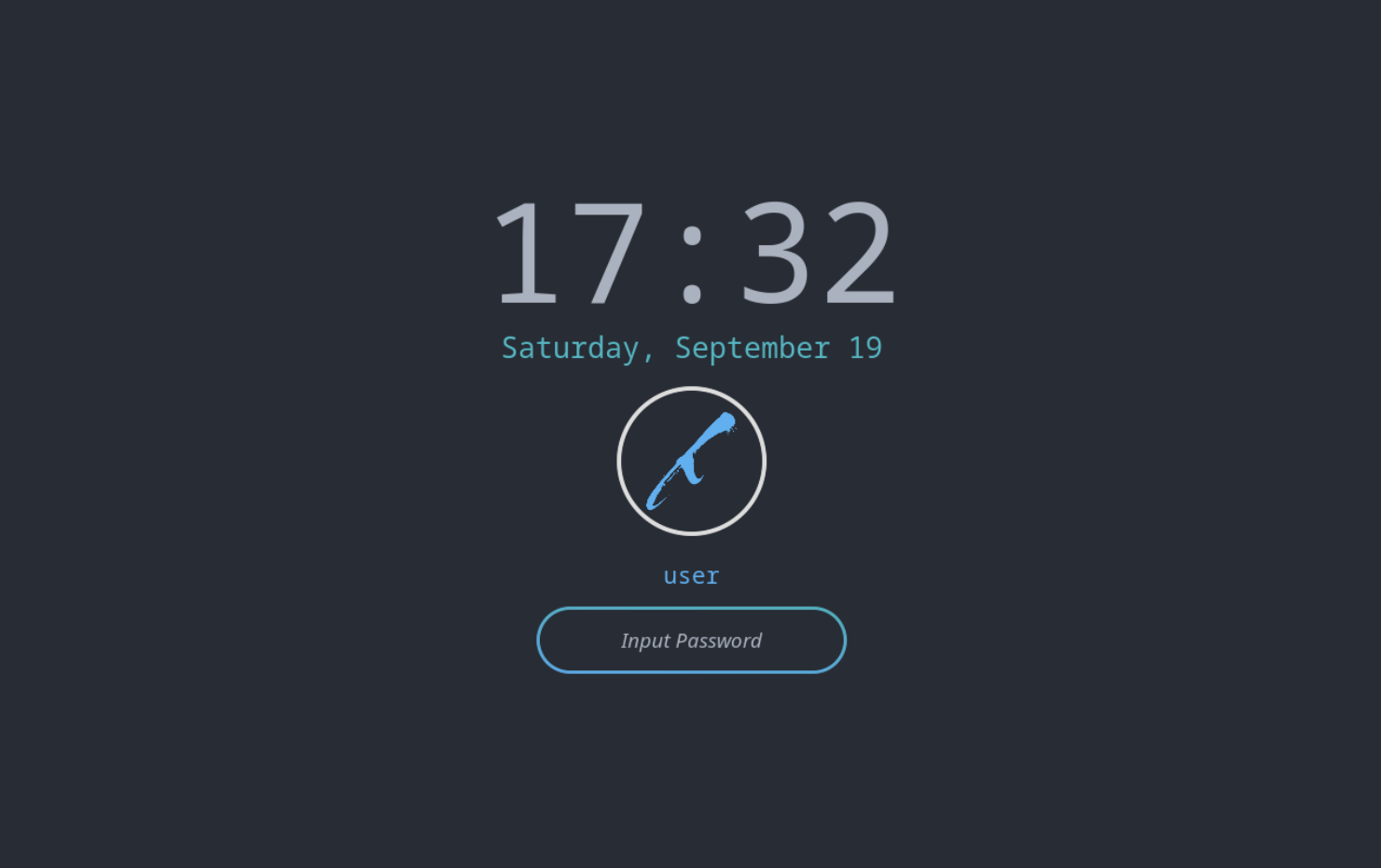
What Lock shows, hyprlock, themed to match the active color scheme: