Software Profiles
Profiles group optional software by use case. You can take a whole profile, hand-pick packages from it, or skip it entirely, whether during install or afterward.
The installer offers profiles for common use cases: Developer, Gaming, Creative, Maker/3D Printing, Remote Access, Virtualization, Office, Browsers & Chat, System Tuning, and Input Method. In the installer's Software step, the profiles are listed on the left and the selected profile's packages on the right; check the ones you want, or press a to toggle every package in the profile at once. There's also an "Install everything" toggle for every profile in full.
Picking a profile doesn't install anything during the install session itself. Selected packages are installed after first boot instead, so the base install stays fast and minimal, and every profile installs the same way whether or not it happens to contain an AUR package. archinstall's own silent install mode can only install official-repo packages, so some profiles being "ready immediately" and others delayed isn't actually avoidable if any of it happened during install.
Packages by profile
| Profile | Packages |
|---|---|
| Developer | docker, docker-buildx, docker-compose, mise, presenterm |
| Gaming | gamescope, lutris, mangohud, prismlauncher, protontricks, steam, gale-bin (AUR), protonup-qt-bin (AUR) |
| Creative | audacity, calf, deepfilternet-ladspa, easyeffects, gimp, inkscape, lsp-plugins, obs-studio, shotcut |
| Maker / 3D Printing | blender, freecad, orca-slicer-bin (AUR) |
| Remote Access | moonlight-qt, sunshine-bin (AUR), wireguard-tools |
| Virtualization | quickemu-git (AUR), quickgui-bin (AUR) |
| Office | homebank, libreoffice-fresh |
| Browsers & Chat | signal-desktop, brave-origin-bin (AUR), vesktop-bin (AUR) |
| System Tuning | ethtool, lact, nvtop, smartmontools, sobarch-via-udev (AUR) |
| Printing | cups, cups-filters, cups-pdf |
| Input Method | fcitx5, fcitx5-configtool, fcitx5-gtk, fcitx5-hangul |
Packages marked "(AUR)" are the ones built locally from the repository's vendored snapshots instead of installed from Arch's official repositories; that includes sobarch-via-udev, which is sobarch's own package (a udev rule so a VIA-compatible keyboard can be configured from its web app without root), not an AUR one. Installing vesktop-bin also brings in a small launch wrapper that checks Vesktop's Vencord files, as described in AUR & Custom Packages.
Remote Access
The profile installs Sunshine (the streaming host), Moonlight (the client) and the WireGuard tools for reaching a machine from outside your home network. Nothing starts by itself. See Remote Access for setup, pairing, the virtual monitor and the VPN.
Installing a profile package later
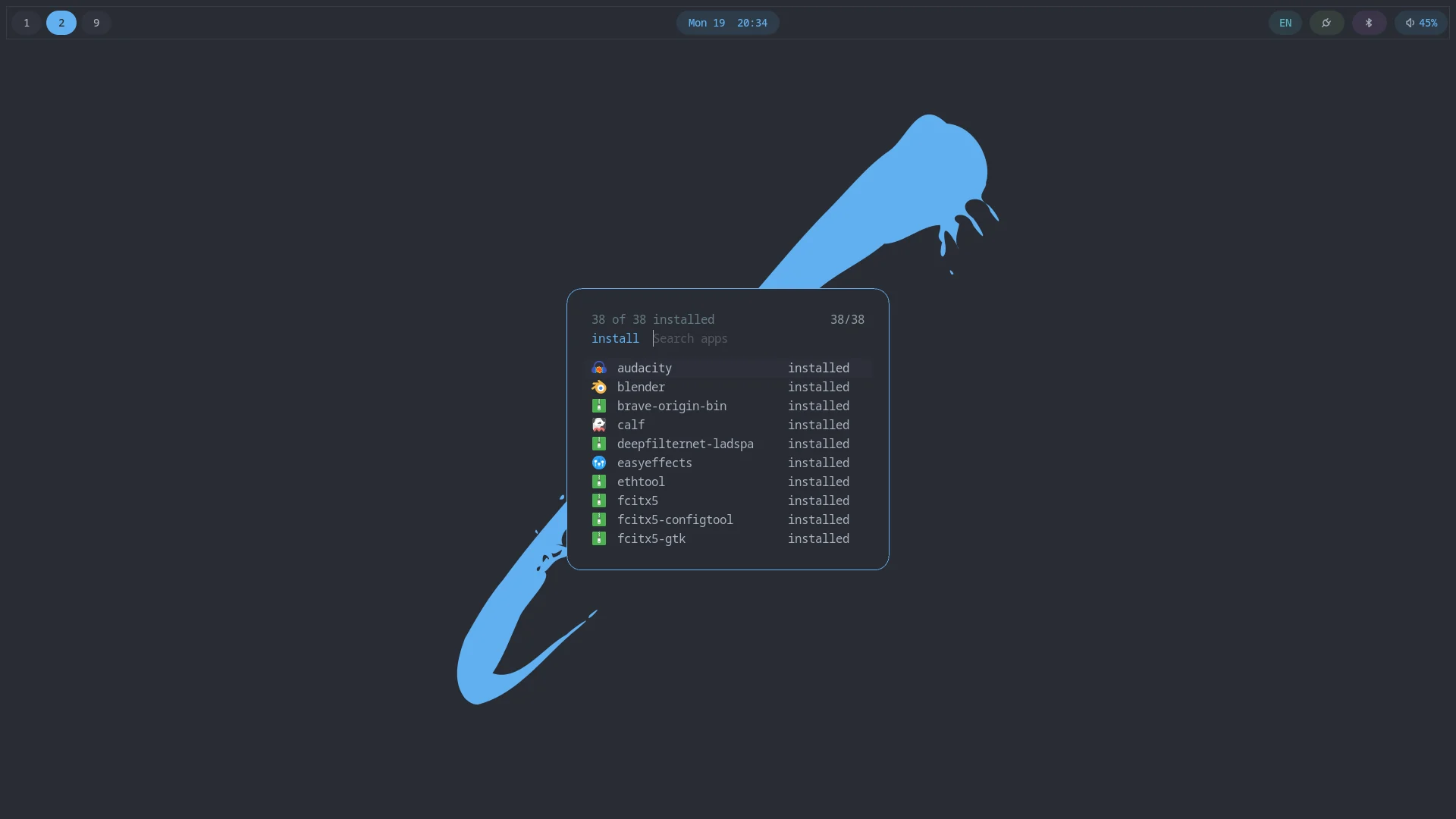
Anything you skipped during install, or decide you want afterward, is available from the desktop: Super → Sobarch → Install Apps. It's the same combined install logic first boot already runs (official-repo packages via pacman, AUR/custom packages via the package sync mechanism), just for one package at a time instead of a whole profile. Already-installed packages don't show up in the list.